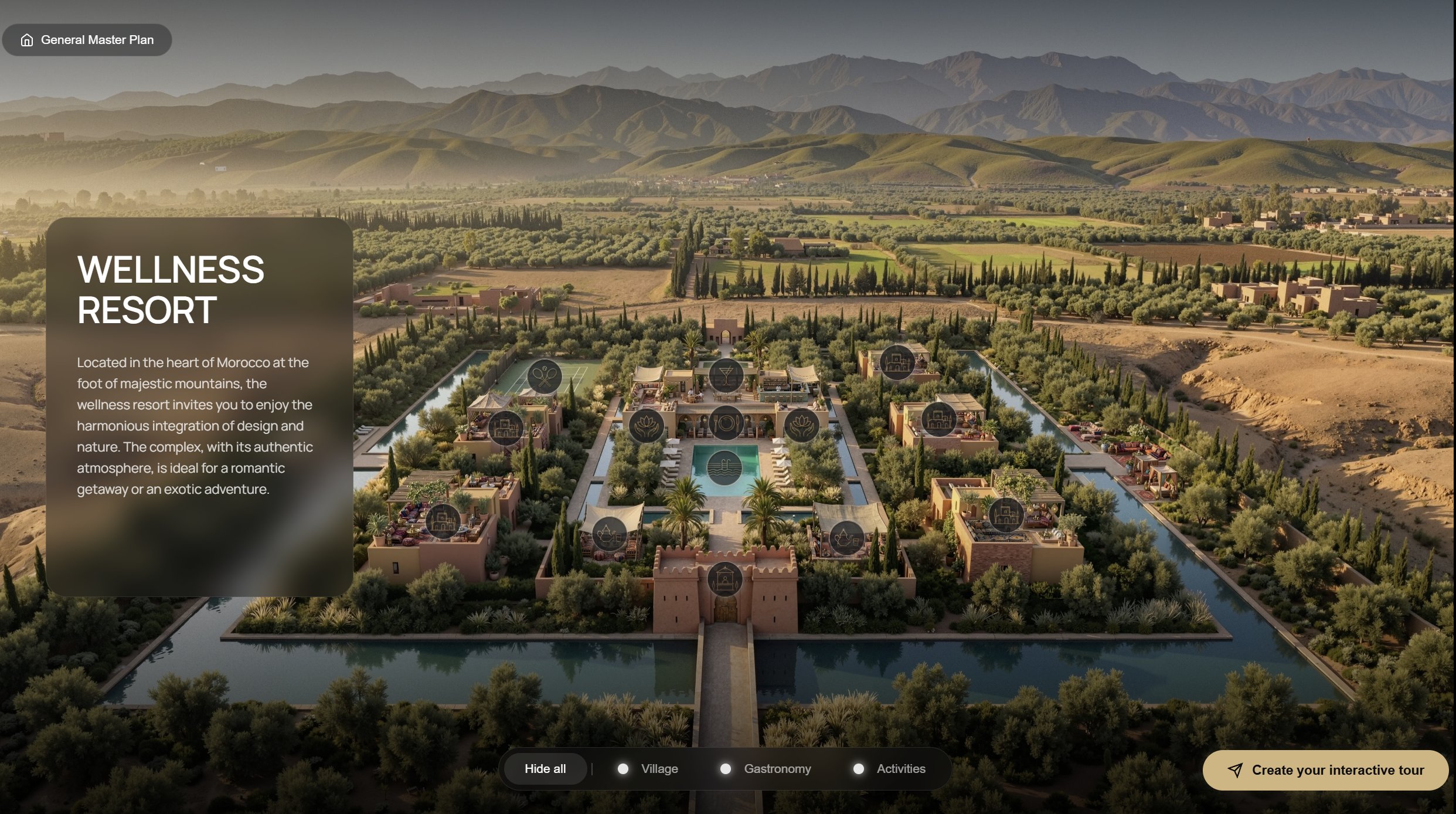
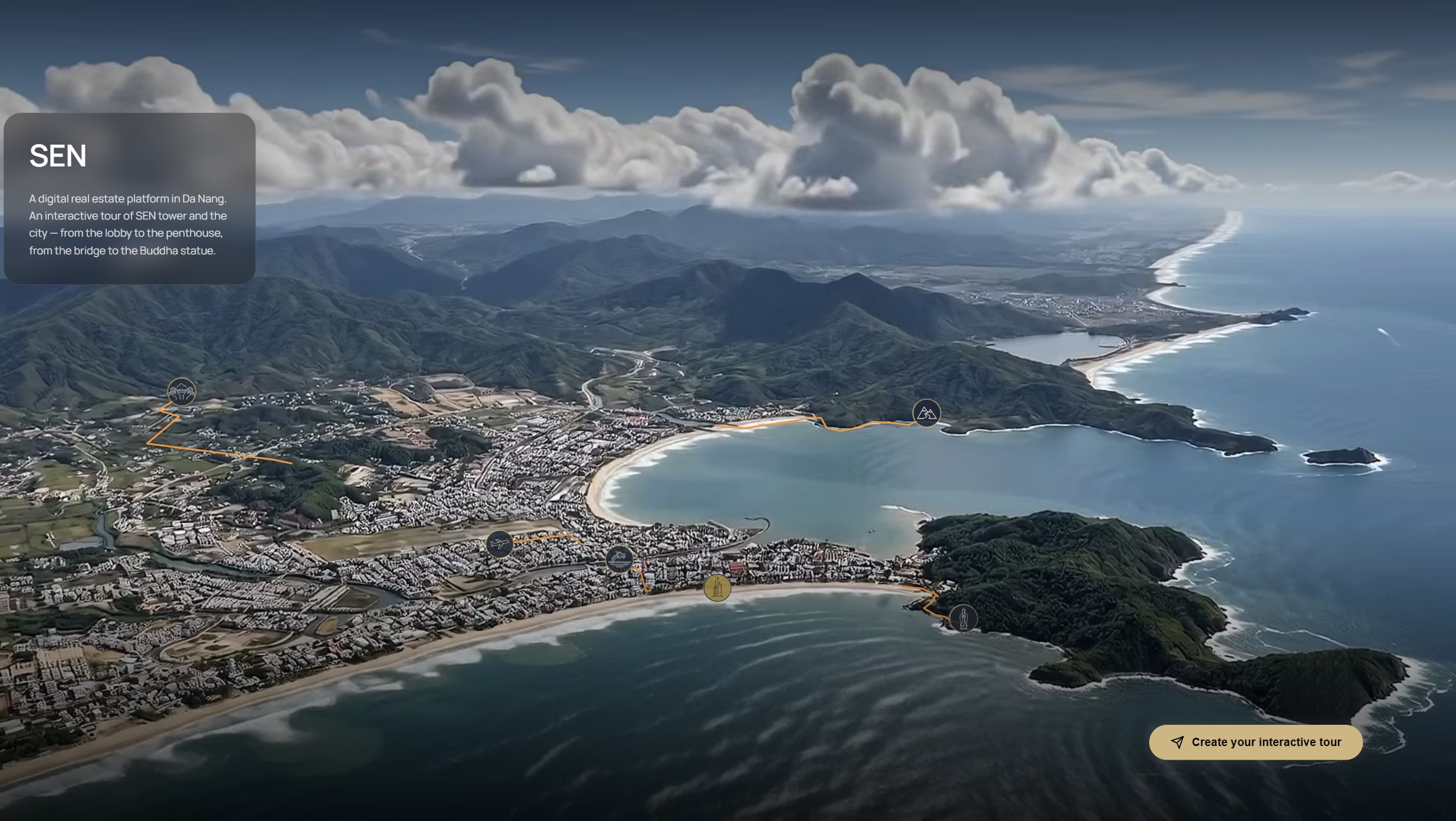
Challenge
A buyer cannot feel a plot from a flat plan. Villa sales depend on the setting: the river, the greenery, the distance to the water. A static render shows one moment and one angle.
A premium residential community presented as a living digital master plan: boats on the river, birds, and a day, night and season cycle.
Explore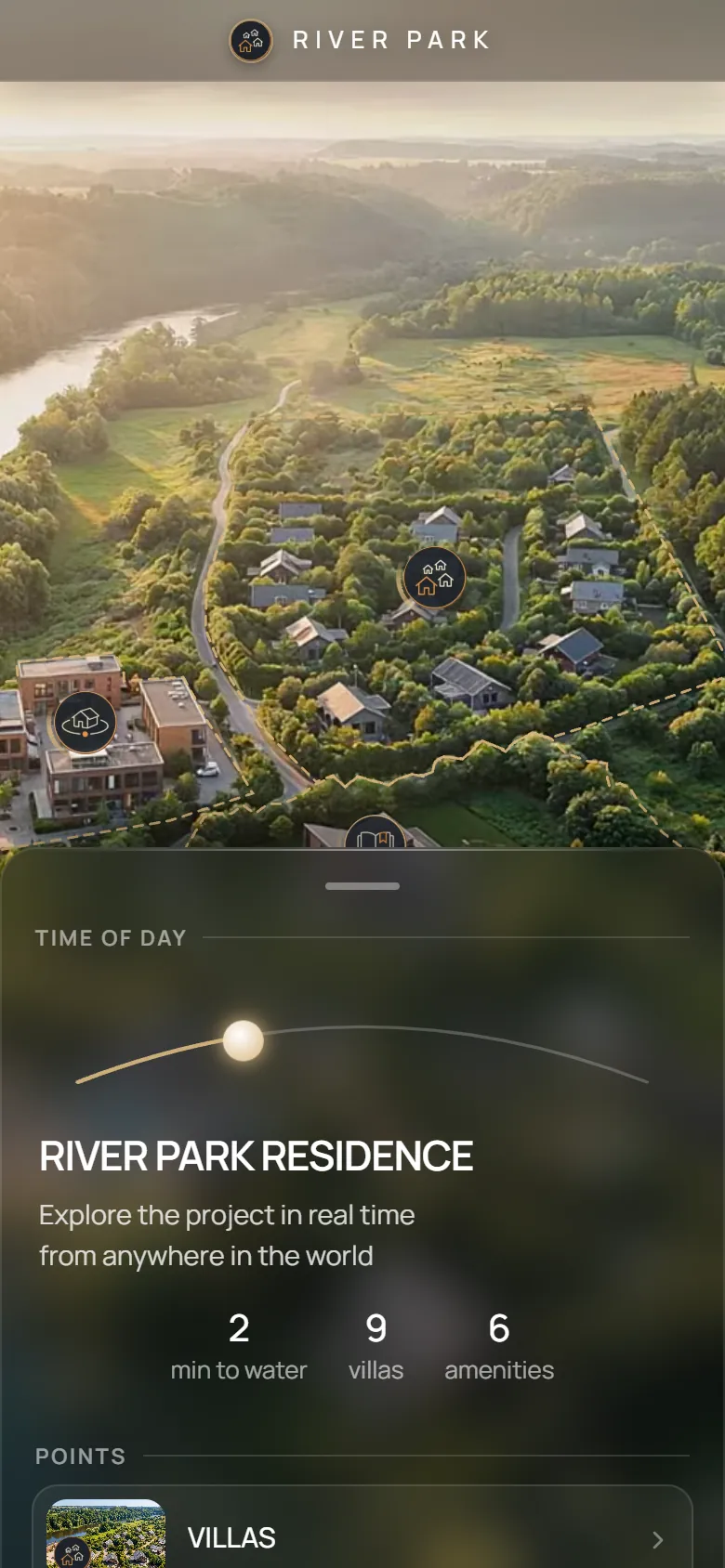
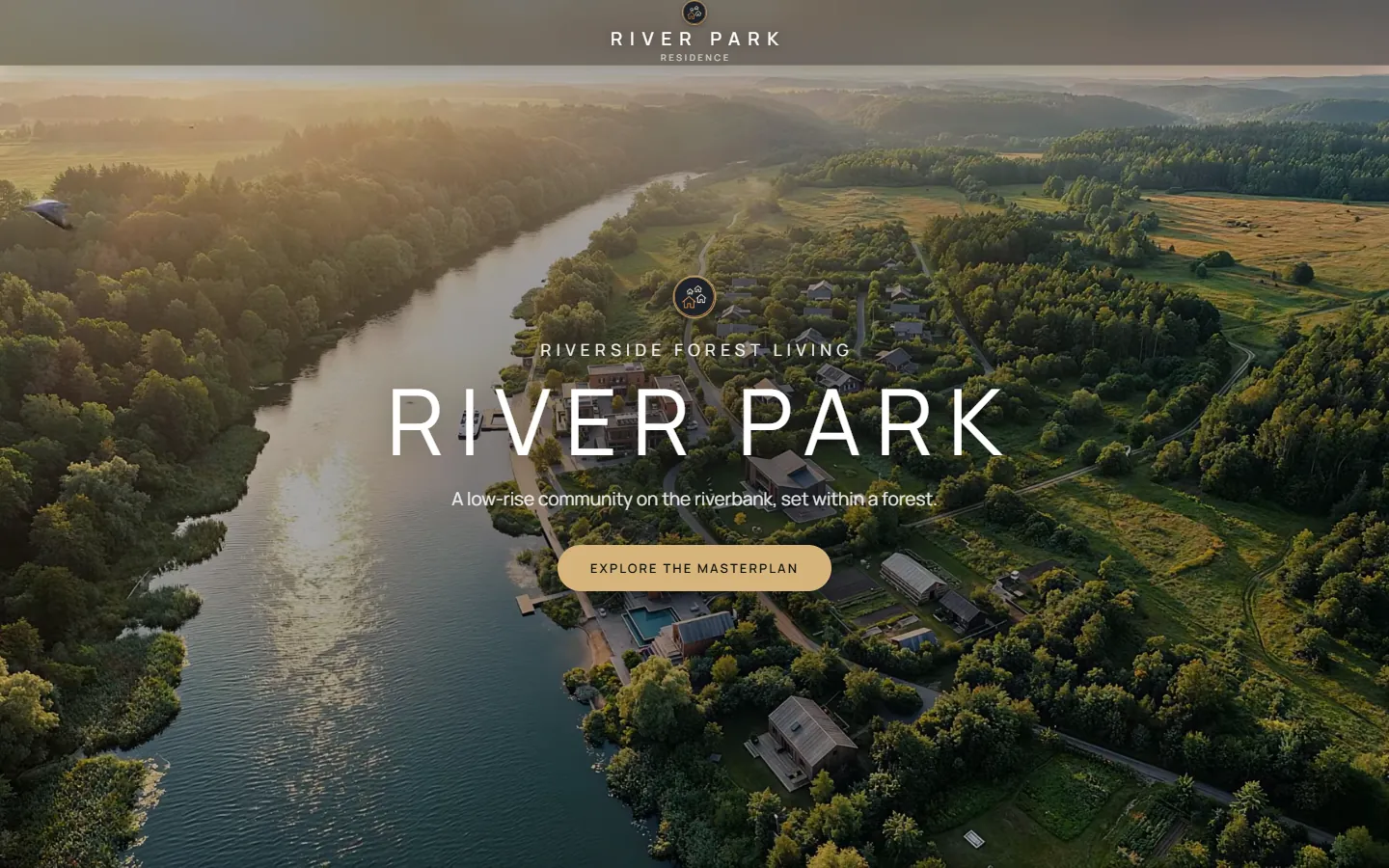
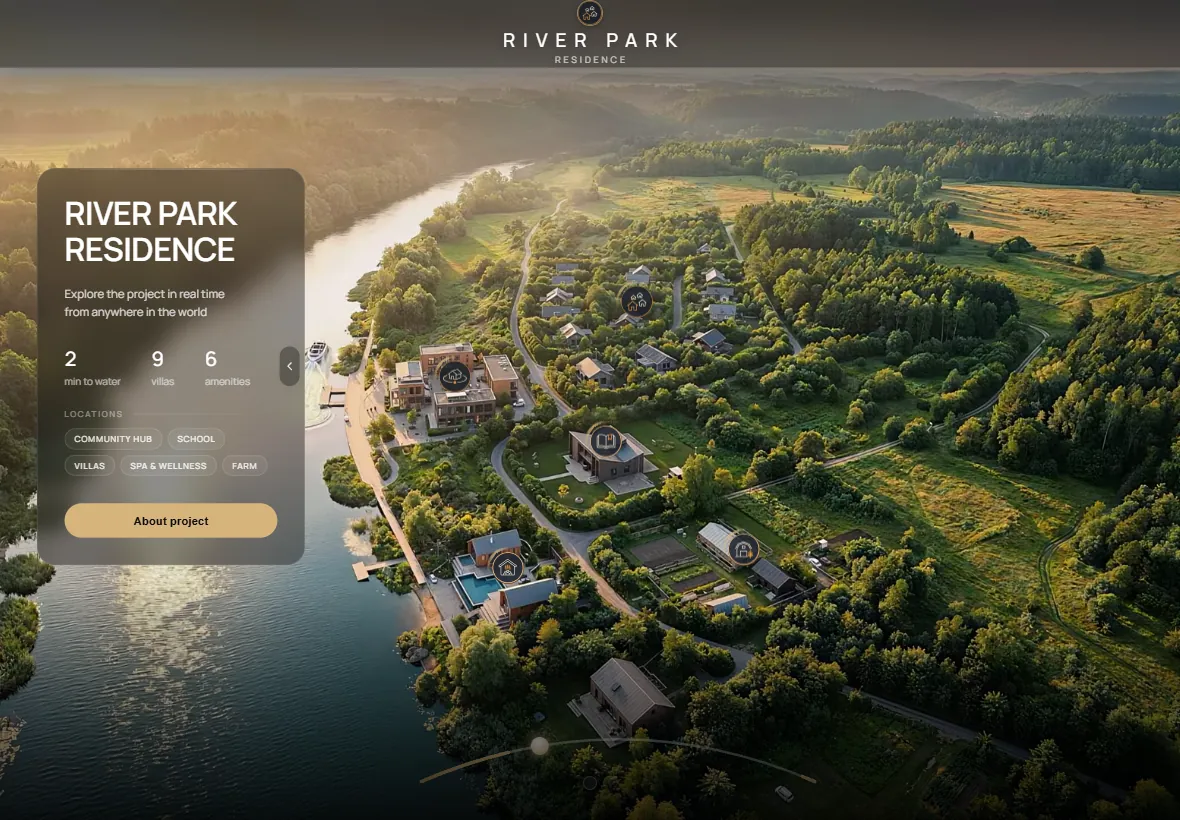
River Park Residence is a villa community on a river bank. The whole project lives behind one link: the master plan, every villa, the amenities and the water, with no install and in any browser.
A buyer cannot feel a plot from a flat plan. Villa sales depend on the setting: the river, the greenery, the distance to the water. A static render shows one moment and one angle.
Show the community as a place to live in. One master plan where every villa and amenity is a clickable point, and the environment around it is alive.
The project runs as a website: the environment changes with the time of day and the season, boats and birds move, and each villa opens with its plan and gallery. The sales team sends one link instead of a folder of files.
Every option below is live in the project. Open it and try it.
Every villa on the plan is coloured by its status: Available, Reserved, Sold or On hold. Price, area and status are edited in an ordinary spreadsheet or in any CRM, and the master plan updates in real time, so the sales team and the buyer always see the same picture. Requests from the project go back to the CRM or the table.
The legend at the bottom of the plan switches between Available, Reserved, Sold and On hold. Houses of the chosen status light up in green, amber, red or grey, so the buyer sees at once what is still free.
The master plan is not a still picture. The light changes from day to night, boats cross the river and birds fly over the territory, so the buyer sees the community at the hour that matters to them.
A click on the community hub starts a smooth 360° flight around the building. The viewer turns the camera and looks at the object from every side.
The villas point shows the key figures (price per m², area, number of villas). Each house opens with a photo, its area and price and a Floor plan button, and the plan appears as a 3D transition from the exterior to the interior.
School, spa and wellness, farm and the other points open as separate scenes with photos, video and short facts about each place.
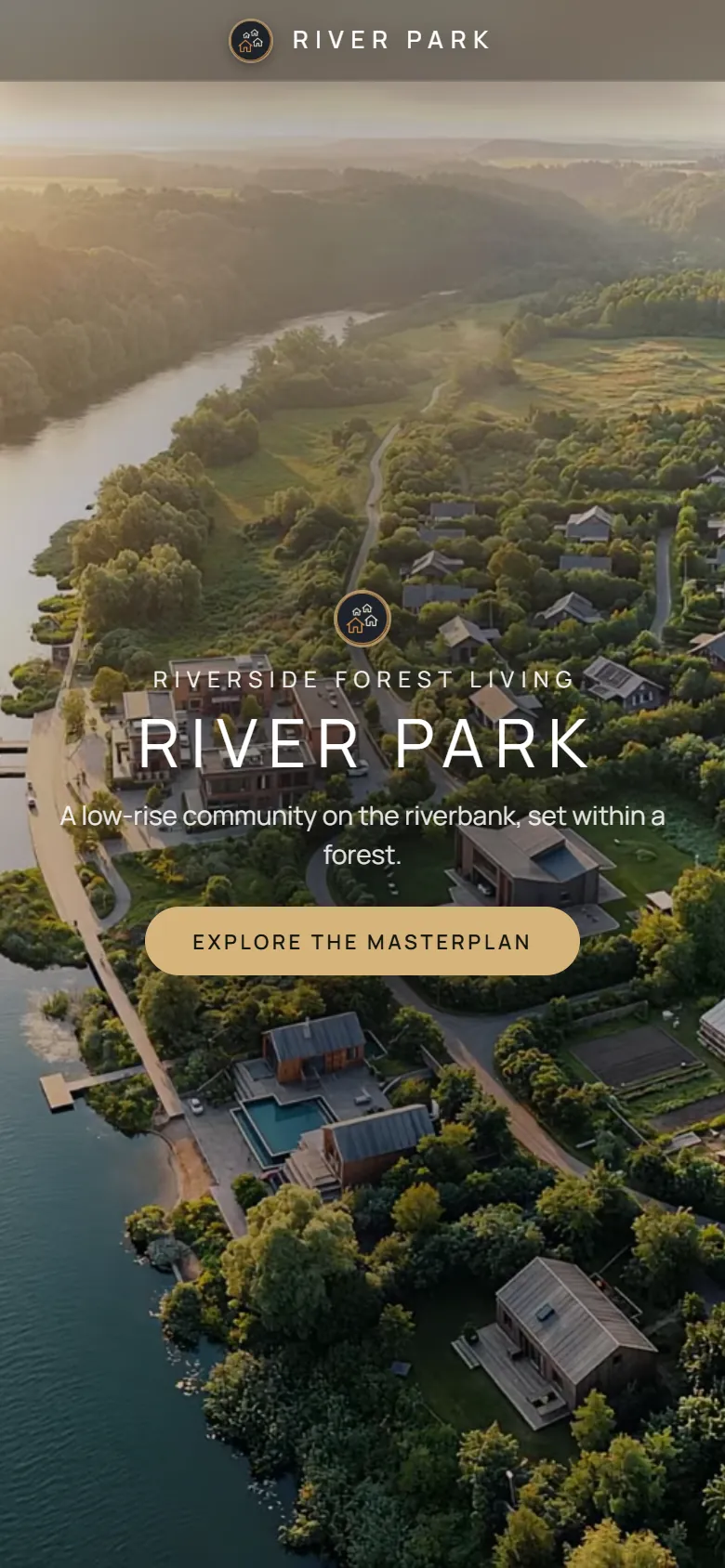
One link opens the same project on a computer, a tablet and a phone. The phone gets its own layout with a bottom sheet.
Open the master plan on a screen and walk the client through the plot, the villas and the water.
Send one link. It opens on a phone, a tablet and a computer.
Embed it into the developer website as the main presentation page.
Run it full screen on a display, with no internet-heavy files to carry.
It is a web presentation of a development. The territory, buildings, plans, photos and video are shown on one page behind one link, instead of a folder of files.
Yes. On a phone it opens in its own vertical layout with a bottom sheet, on a tablet and a computer it opens full screen.
Yes. The Live Status option shows Available, Reserved, Sold and On hold on the plan, and price, area and status are updated from a spreadsheet or any CRM in real time.
No. It opens in any modern browser from a link, with no app and no plug-in.
A typical GenPlan project is ready in about two weeks from the moment the materials are received.
Send us the master plan and we will show how it looks as one link.
Start a project