Challenge
A resort is not one building but a territory: a beach, golf, a spa, restaurants. A brochure splits it into pages, and the idea of the whole place gets lost.
A territory master plan with navigation across key zones: beach, golf courses, spa, restaurants and activities.
Explore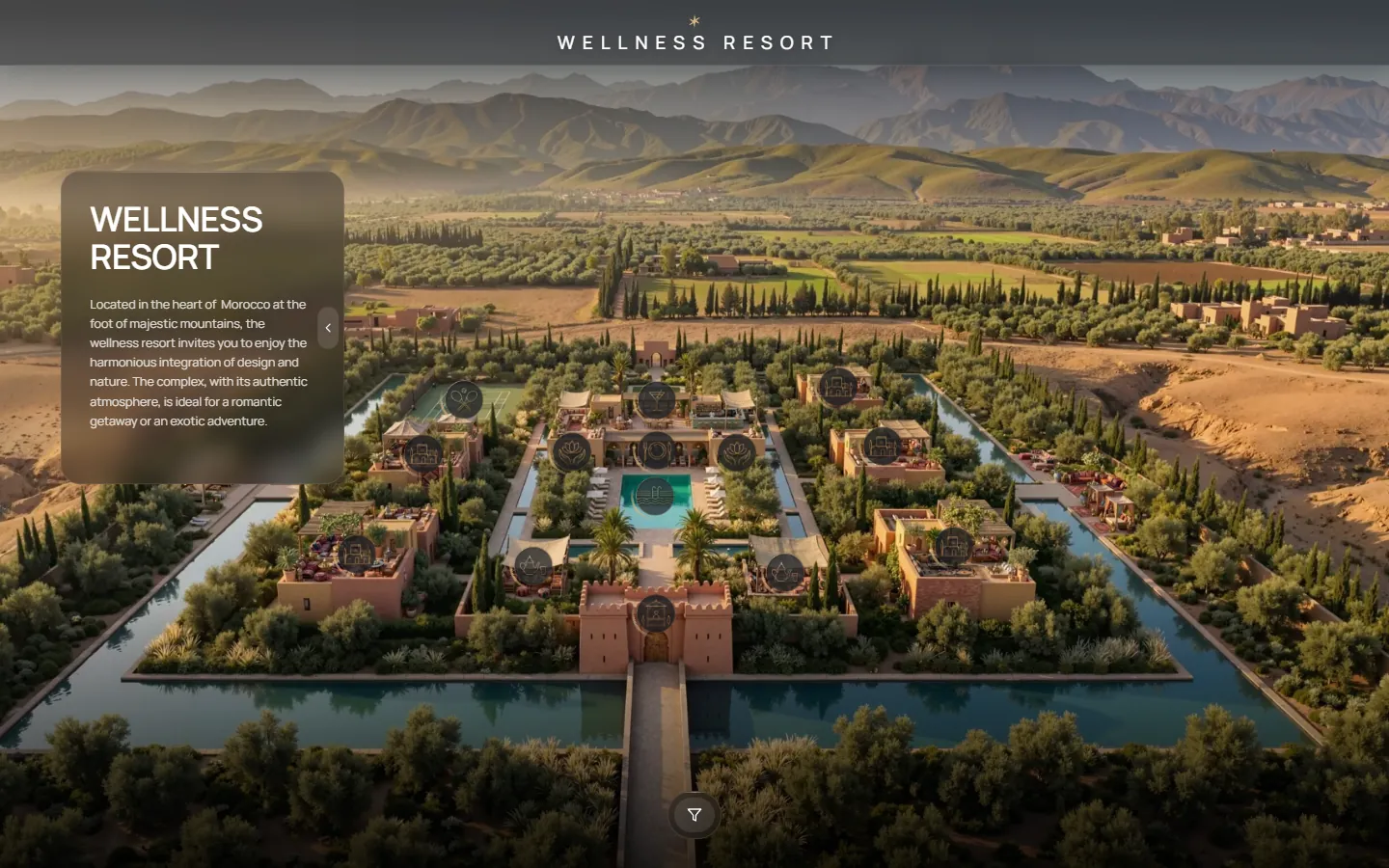
A large resort territory shown as one master plan. Guests and investors see the zones, move between them and open each location with its own gallery.
A resort is not one building but a territory: a beach, golf, a spa, restaurants. A brochure splits it into pages, and the idea of the whole place gets lost.
Give one map where the whole territory is visible at once, and where every zone is a step into detail.
The master plan has 3 zones and 8 locations with galleries. A viewer starts with the full picture, picks a zone and goes into the location without leaving the page.
Every option below is live in the project. Open it and try it.
The resort is shown as one master plan. Icons mark the pool, restaurant, bar, tea tent, tennis court, villas and reception, and a filter switches between village, gastronomy and activities.
A click on a point opens a full-screen scene with a short description: video, photos and a gallery strip. The viewer flips through the media and returns to the map with one button.
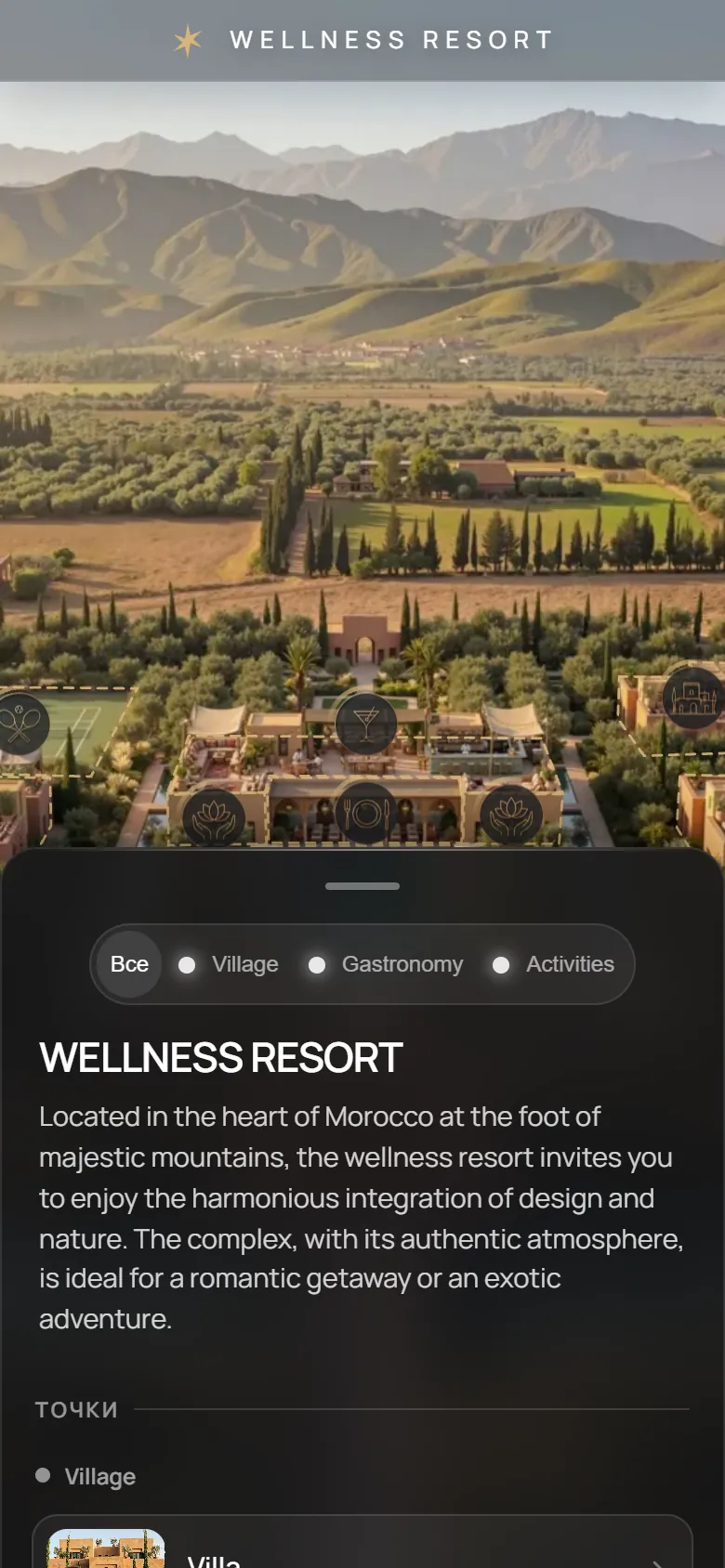
On a phone the master plan gets a bottom sheet with zone tabs and location cards, so the territory stays visible above and the details sit below.
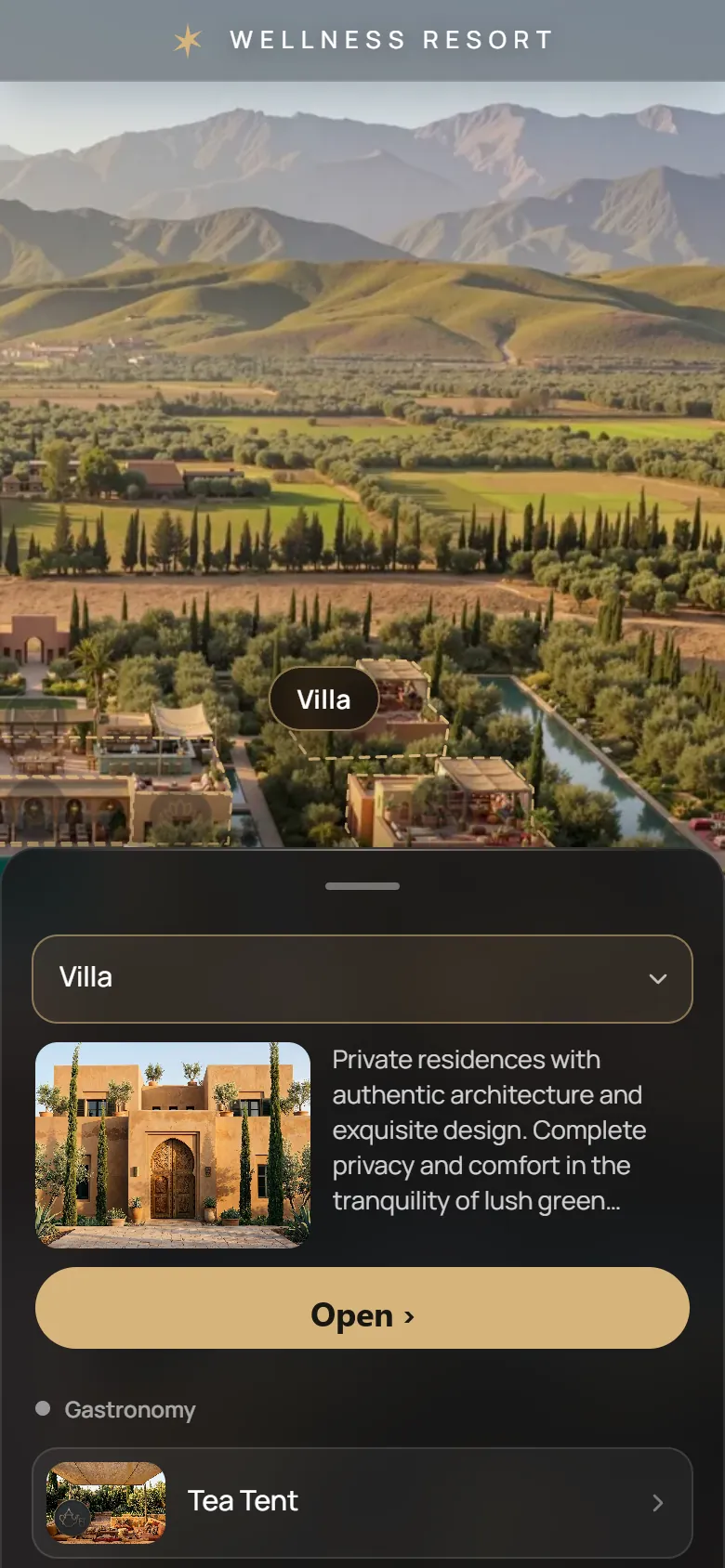
One link opens the same project on a computer, a tablet and a phone. The phone gets its own layout with a bottom sheet.
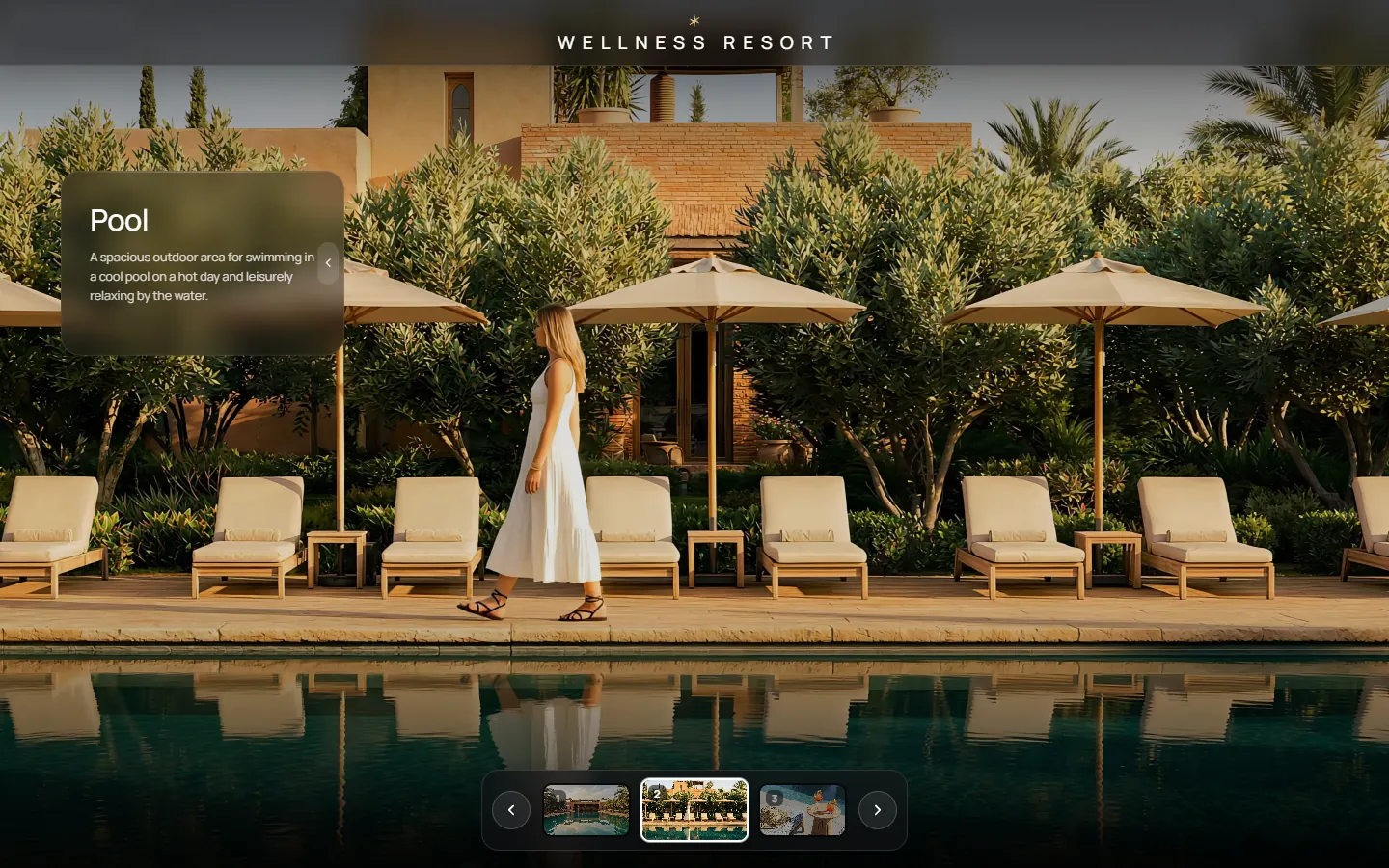
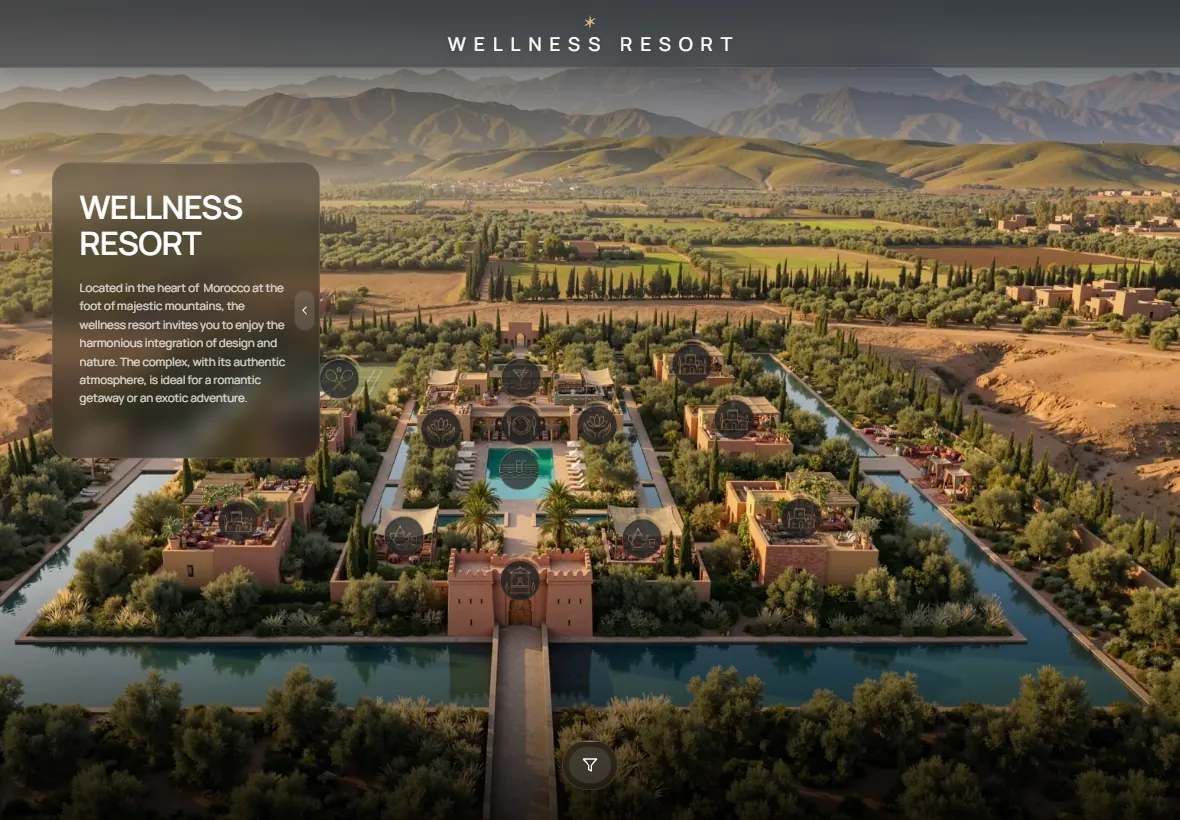
Show the whole territory and its zones in one view.
Send a link that explains the place better than a PDF.
Place it on the main page as the map of the resort.
Use it at the reception or in the sales gallery as a touch map.
It is a web page where the whole territory of a resort is shown as one map, and each zone and location opens with its own gallery.
Yes. The phone version has its own vertical layout with a bottom sheet, the tablet and computer versions open full screen.
Resort developers, investors, travel and booking partners, and on-site sales galleries.
A typical GenPlan project is ready in about two weeks from the moment the materials are received.
Send us the master plan and we will show how it looks as one link.
Start a project